Frequently Asked Question
This section will explain how to create secrets. A secret can be a website password, or a note or bookmark. We assume that you are already logged in to Psono and want to create now a secret.
#Methods
There are four methods to initiate the process of creating a secret.
#Top right button
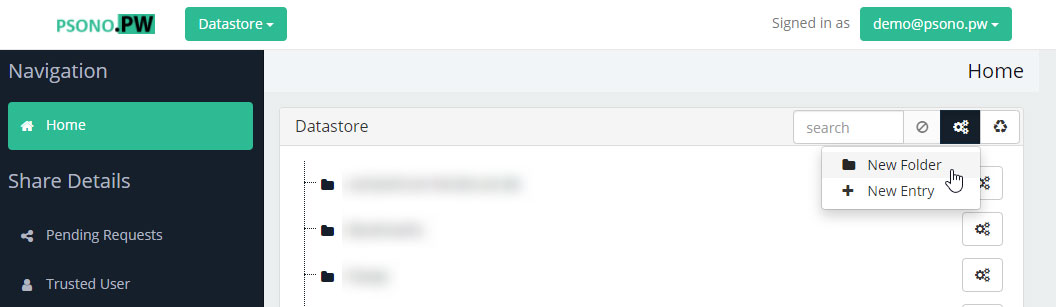
At the top right you will see a button with three gears. If you click it a dropdown menu will open. Click on New Entry
#Right click into an empty area
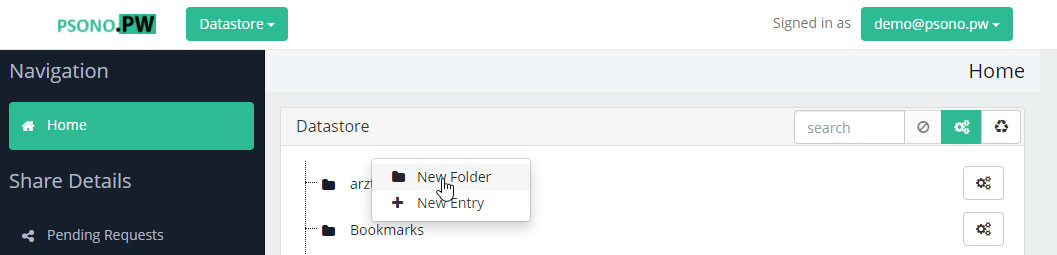
An alternative would be to click into the datastore into an empty area. A similar dropdown menu opens as before. Click on New Entry
#Right click on a folder
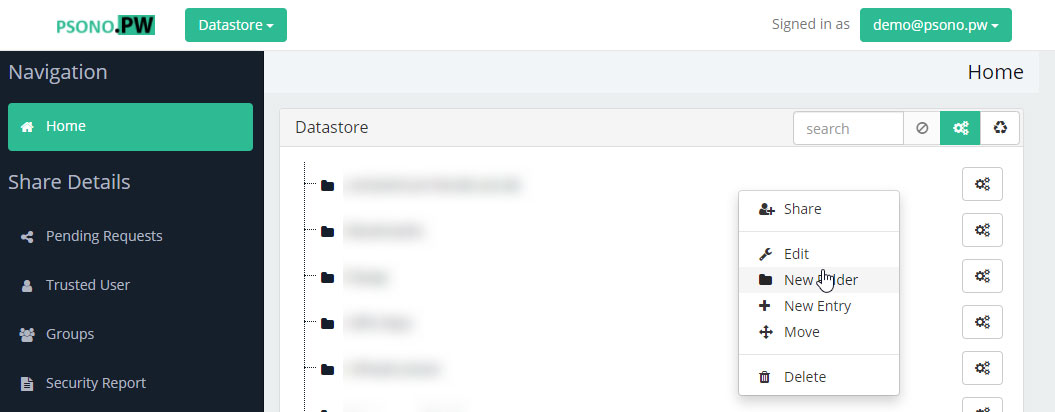
An alternative would be to do a right click on an existing folder. A similar dropdown menu opens as before. Click on New Entry. The new secret will be created as a child of the chosen folder.
#Click on the three gears of an existing folder
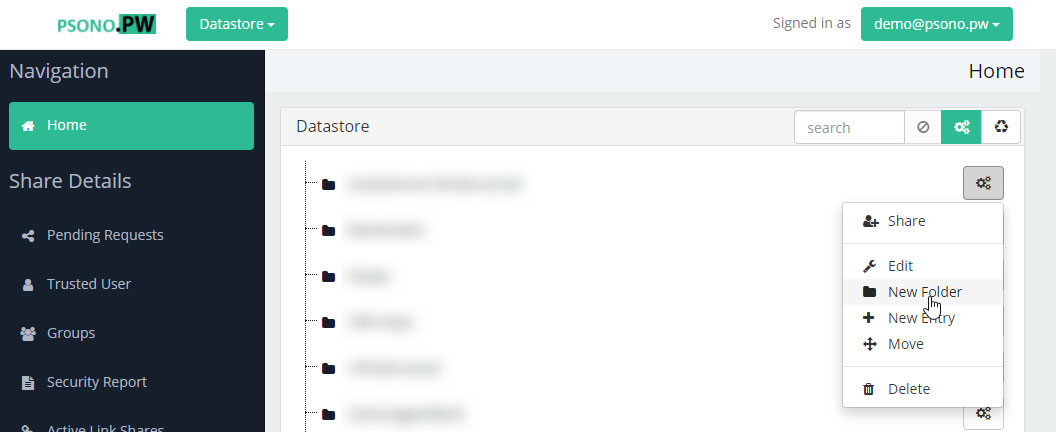
And the last alternative would be to click on the three gears button of an existing folder. A similar dropdown menu opens as before. Click on New Entry. The new secret will be created as a child of the chosen folder.
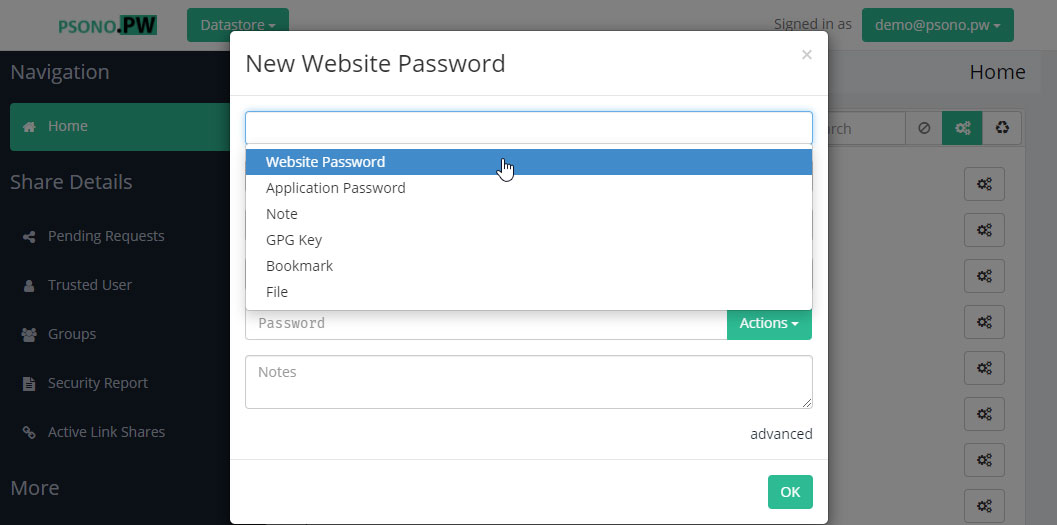
#Select type
Psono supports multiple types, choose the one that fits your needs.
#Enter rest of infos
You can now add the rest of the infos, either manually or by using some of the provided helper functions that e.g. autogenerate a password for you.
