Frequently Asked Question
This section will explain how to create folders. We assume that you are already logged in to Psono and want to create now a folder.
#Methods
There are four methods to initiate the process of creating a folder.
#Top right button
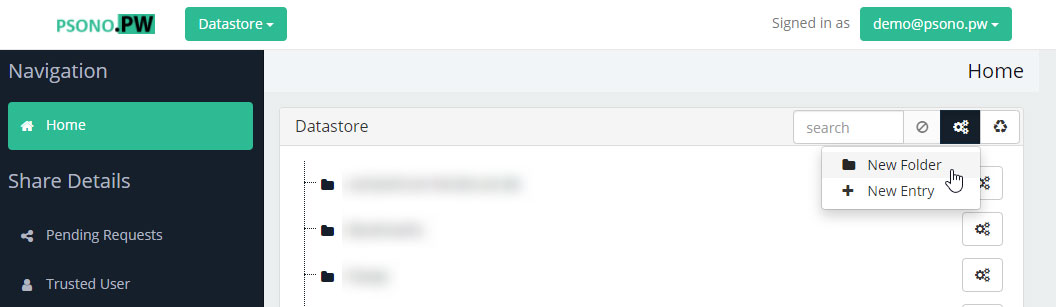
At the top right you will see a button with three gears. If you click it a dropdown menu will open. Click on New Folder
#Right click into an empty area
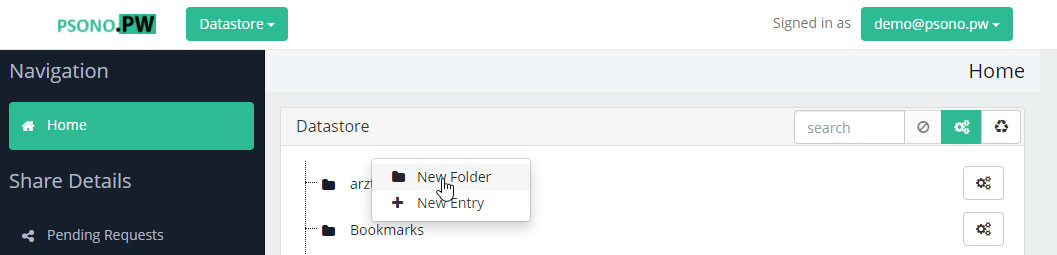
An alternative would be to click into the datastore into an empty area. A similar dropdown menu opens as before. Click on New Folder
#Right click on a folder
An alternative would be to do a right click on an existing folder. A similar dropdown menu opens as before. Click on New Folder. The new folder will be created as a child of the chosen folder.
#Click on the three gears of an existing folder
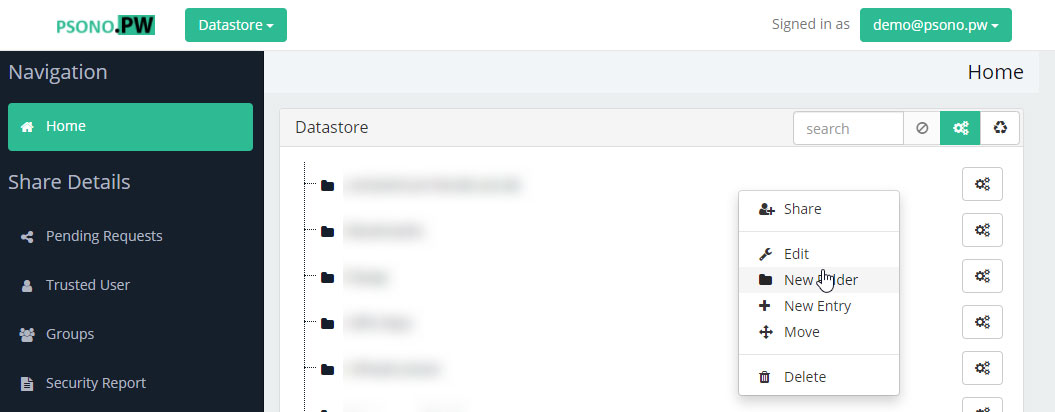
And the last alternative would be to click on the three gears button of an existing folder. A similar dropdown menu opens as before. Click on New Folder. The new folder will be created as a child of the chosen folder.
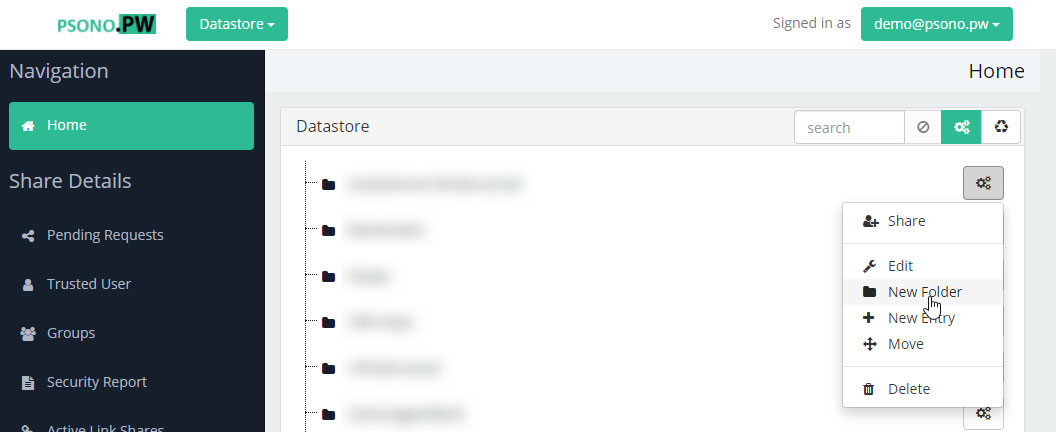
#Choose a name
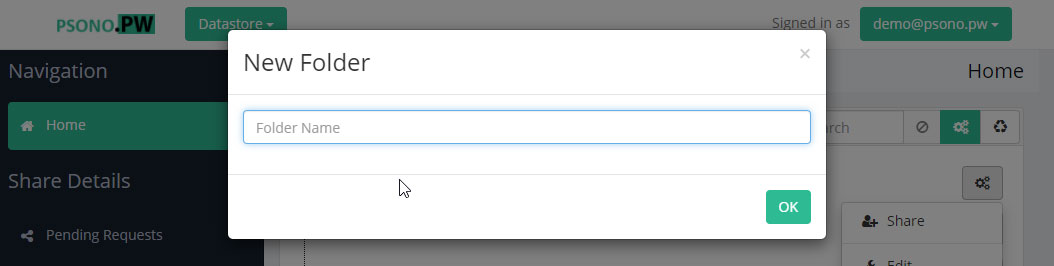
As the final step choose a name and click OK.